What is Hardware?
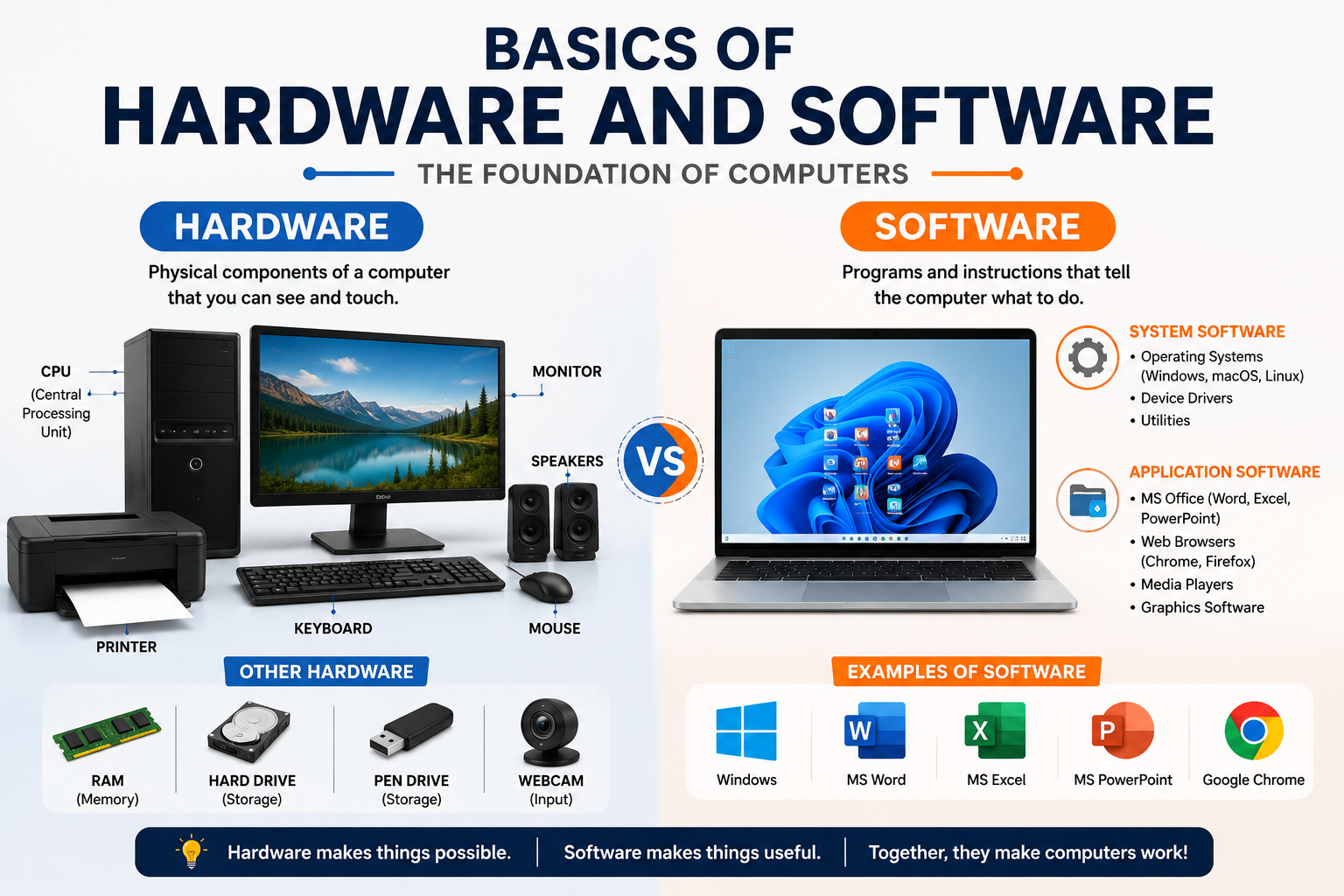
Hardware refers to the physical parts of a computer that can be seen and touched. These components work together to perform computer operations.
Types of Hardware
1. Input Devices
Used to enter data into the computer.
- Keyboard
- Mouse
- Scanner
- Microphone
- Webcam
2. Output Devices
Used to display results from the computer.
- Monitor
- Printer
- Speaker
- Projector
3. Storage Devices
Used to store data and files.
- Hard Disk (HDD)
- SSD
- Pen Drive
- Memory Card
- CD/DVD
4. Processing Devices
Help the computer process data.
- CPU (Central Processing Unit)
- Motherboard
- RAM
What is Software?
Software is a set of programs and instructions that tells the computer what to do. Software cannot be touched physically.
Types of Software
1. System Software
Controls and manages computer hardware.
Examples:
- Windows
- Linux
- macOS
- Android
2. Application Software
Used to perform specific tasks.
Examples:
- MS Word
- Excel
- PowerPoint
- Google Chrome
- Photoshop
Difference Between Hardware and Software
| Hardware | Software |
|---|---|
| Physical components | Programs and instructions |
| Can be touched | Cannot be touched |
| Examples: Keyboard, Monitor | Examples: MS Word, Windows |
| Requires software to work | Requires hardware to run |
